# HashPack Wallet
To install and set up a HashPack wallet, follow these steps:
### 1. Installation
1. Visit the official HashPack website ([www.hashpack.app](https://www.hashpack.app/))
2. Click on "Install on Chrome" or download the appropriate extension for your browser or mobile device.
3. Add the HashPack extension to your browser or mobile device and pin it for easy access.
### 2. Wallet Creation
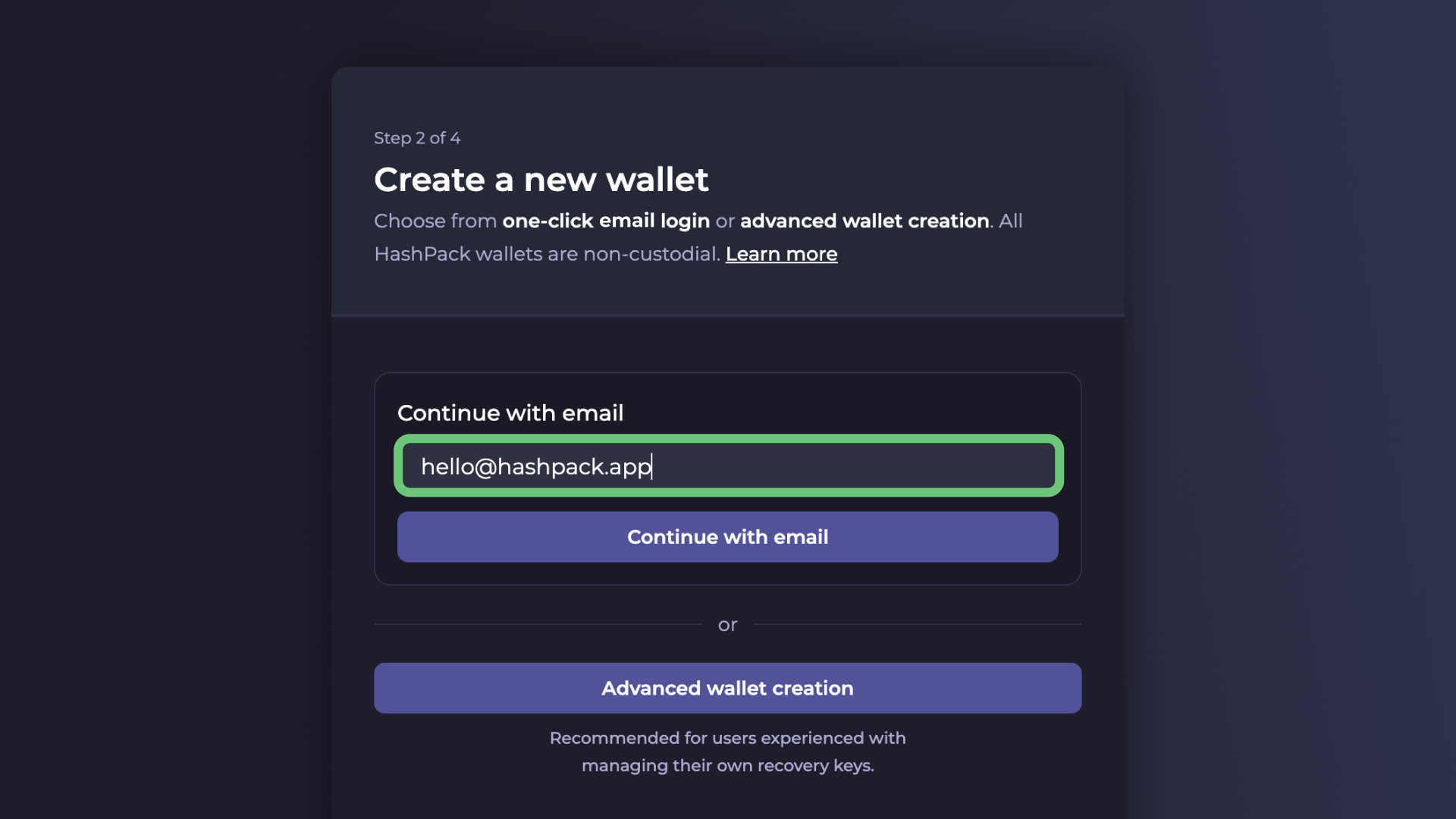
1. Open the HashPack extension.
2. Create a strong password (minimum 12 characters) to secure your wallet.
3. Accept the Terms and Conditions and Privacy Policy.
4. Click "Next" and select "Create New Wallet".
### 3. Security Setup
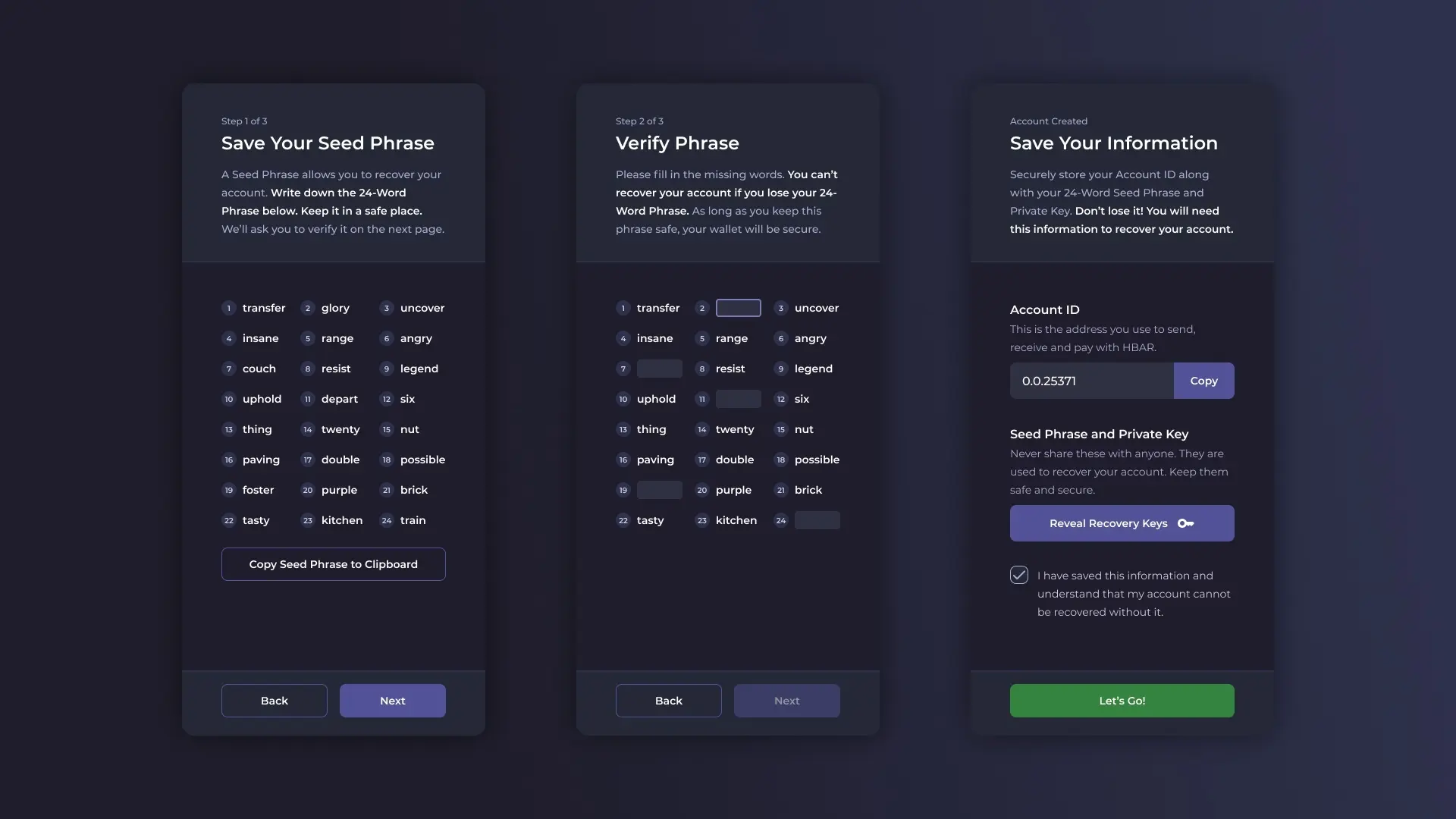
1. Carefully note down the 24-word seed phrase provided.
2. Verify your seed phrase by entering the missing words when prompted.
3. Store your seed phrase securely offline and never share it with anyone.
### 4. Account Configuration
1. Choose a nickname for your wallet (optional but recommended).
2. Select your preferred currency.
3. Click "Create Wallet" to finalize the setup.
### 5. Account Information
1. Save your Account ID, which you'll need for transactions.
2. Securely note down your Private Key when prompted.
### 6. Completion
1. Click "Done" and then "Let's Go" to access your new HashPack wallet.
Remember, HashPack is a non-custodial wallet, meaning you are solely responsible for the security of your account information. Always keep your seed phrase and private keys safe and never share them with anyone.
[Watch the TateOnChain Hashpack Turtorial here!](https://youtube.com/shorts/gSTuPUvZQJw?si=cyOJlz49sYmbMZyh)